Images, detail and SfM reconstructions
Selectively sharpening detail in photos before Structure from Motion processing: what it does, when it helps and which software to batch it with.
Working on the detail of the images you process in photogrammetry software (Structure from Motion) won’t change the fate of a project or the quality of a point cloud.
But it is one of the things you can do to improve photos a little before launching the alignment for the sparse cloud.
(The others are lowering the highlights, raising the shadows, adjusting colour and fixing the histogram by working on exposure.)
Some photo editing software can increase detail selectively, working differently on “flat” areas and on “edgier” parts.
What actually happens is that a mask is applied to the filter (which on its own applies the adjustment to every pixel of the image), picking out the areas with the highest local contrast.
It’s quicker if I comment on the images I’m posting.
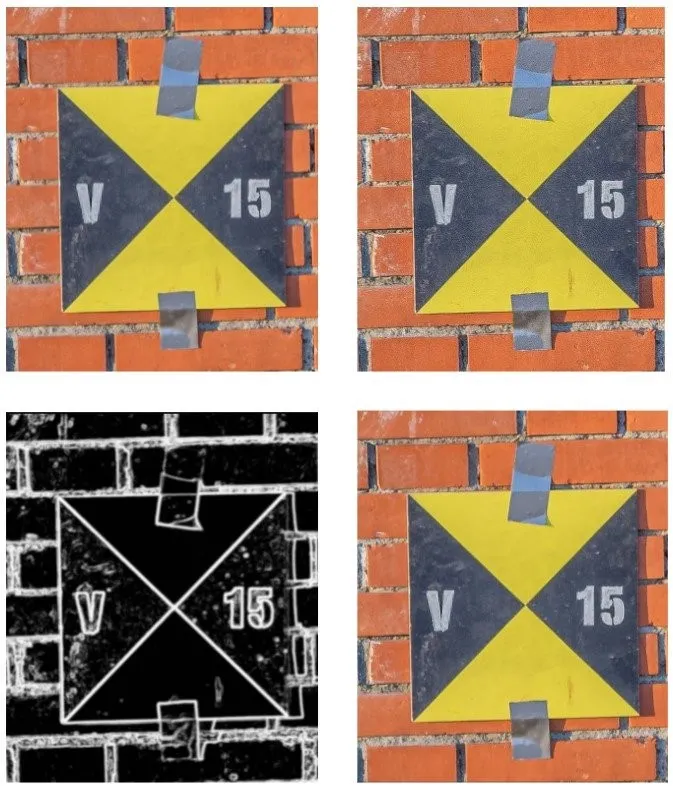
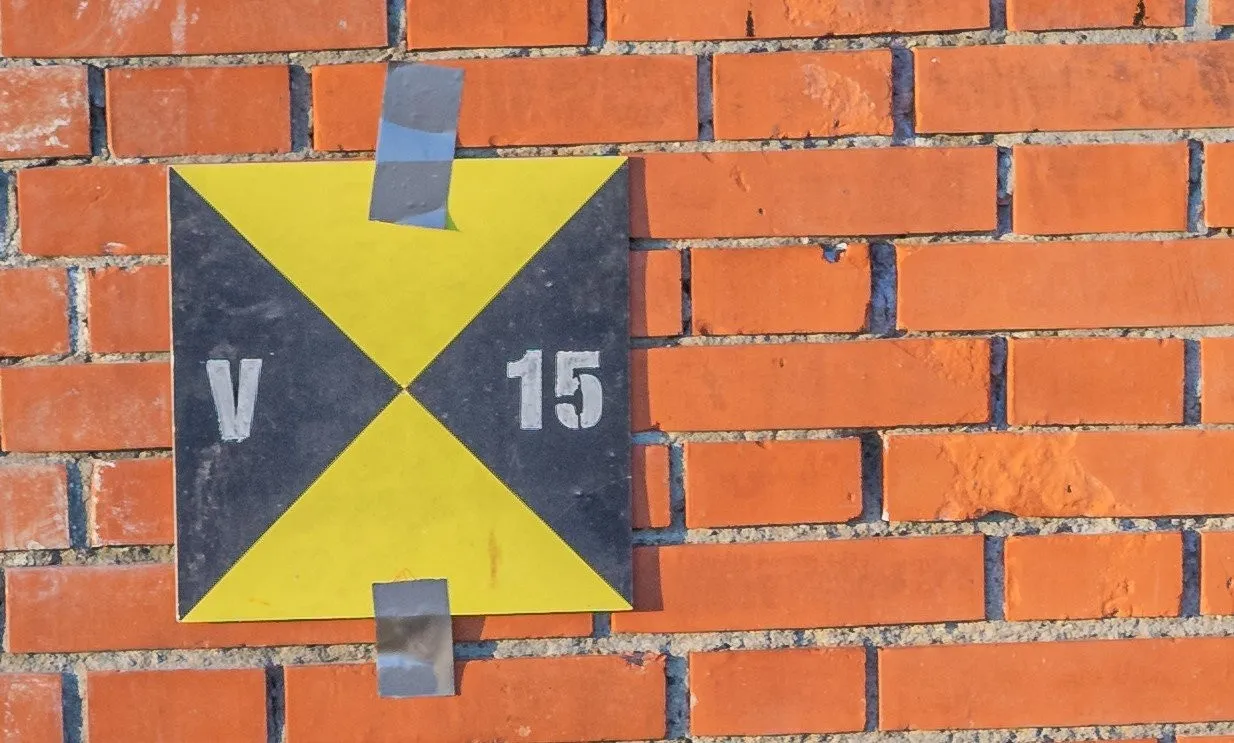
This is a 100% crop of a photo with no detail filter applied.
Here I applied the filter everywhere, and you can see that the “flat” surfaces are a bit disturbed by the “noise” it creates.
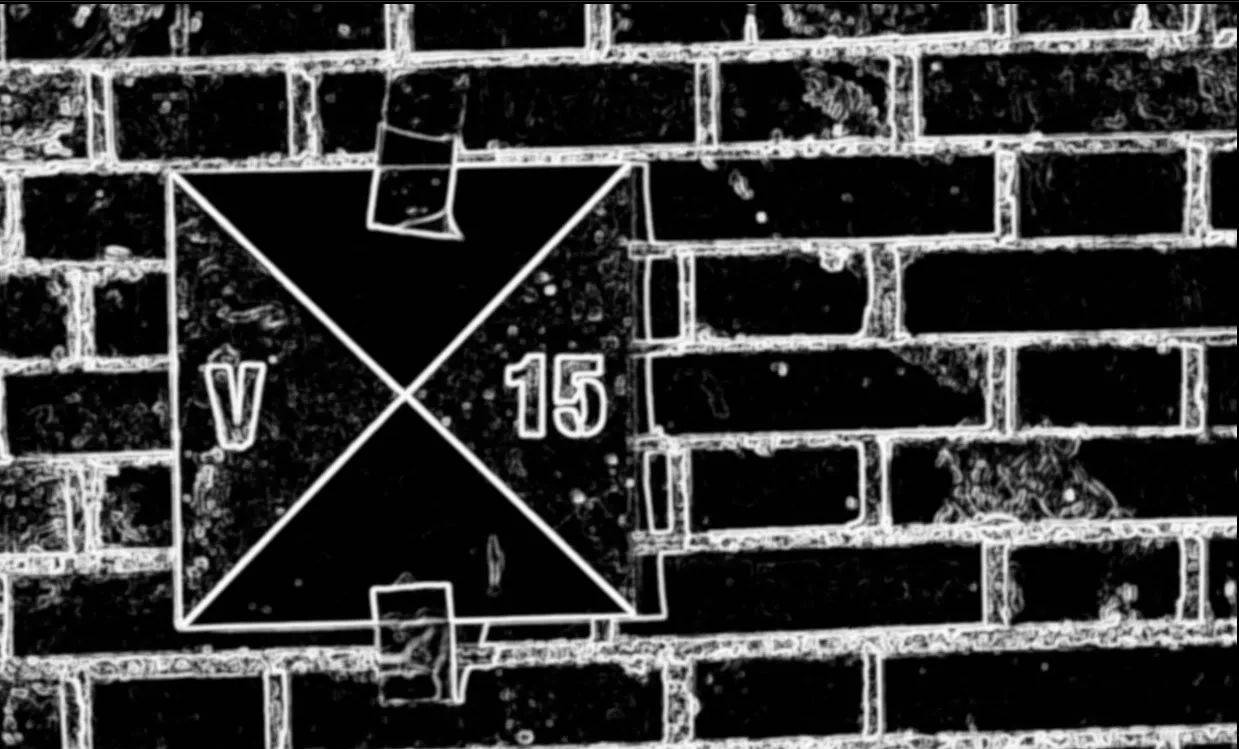
This image shows the areas selected for the “detail filter” to work on.
They are the white ones, and they correspond to the edges of the bricks and of the target, but also to areas that are physically flat but have high contrast (the central pattern of the target and the outline of the number).
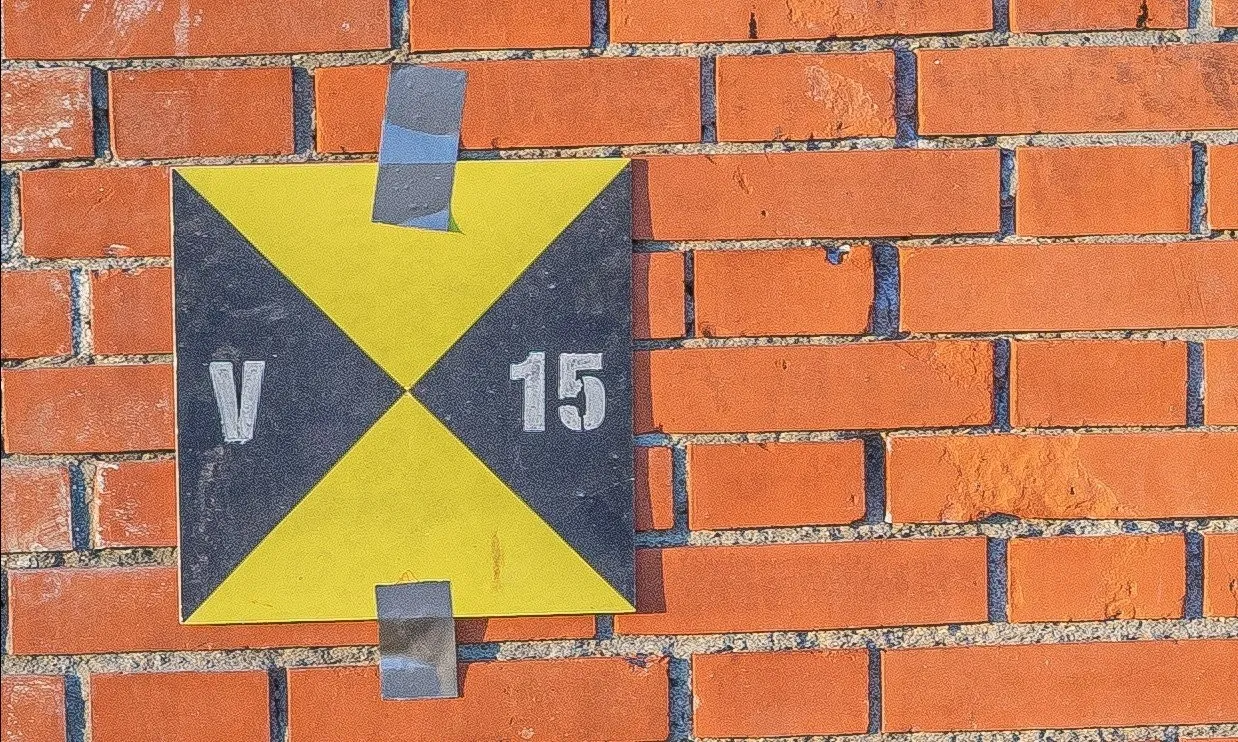
The result of applying the filter is below.
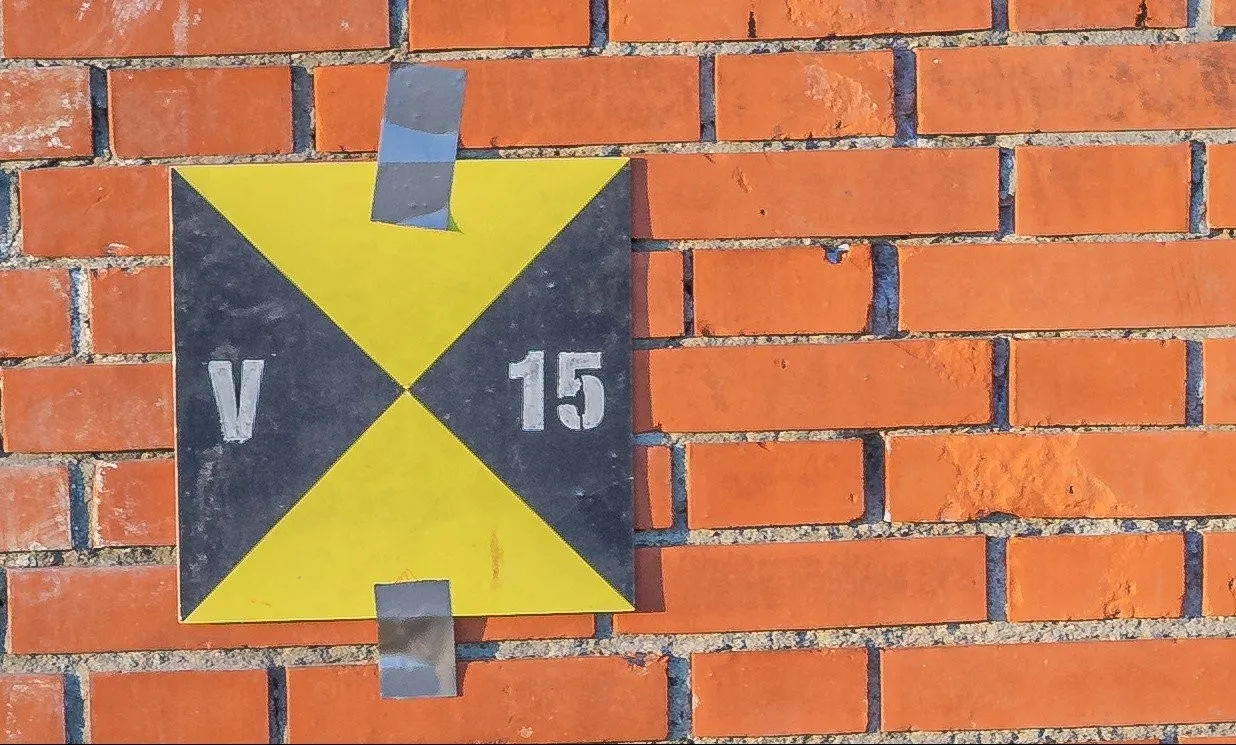
I know, it is not that obvious, especially on the web, but there is some difference.
Doing all this is not necessarily needed.
In some cases it can help.
It certainly doesn’t work miracles!
In other cases it might even be worth increasing detail without the mask, to help reconstruct smooth surfaces (smooth plaster on façades).
In technical terms, the lower the GSD (Ground Sampling Distance), the stronger the effect of the procedure.
To be clear: if I work with photos from a full-frame mirrorless, at close range (10 m) and with a “long” lens (50 mm), I get heavier results than with drone photos from a small sensor (1/2.3″) 70 metres above the ground…
A necessary condition for the sanity of whoever works on the images is to use software that can process many images at once, applying the adjustments of one photo to hundreds and hundreds of others.
I use Lightroom, Adobe’s proprietary software, but there are free and open ones: RawTherapee and the excellent darktable.