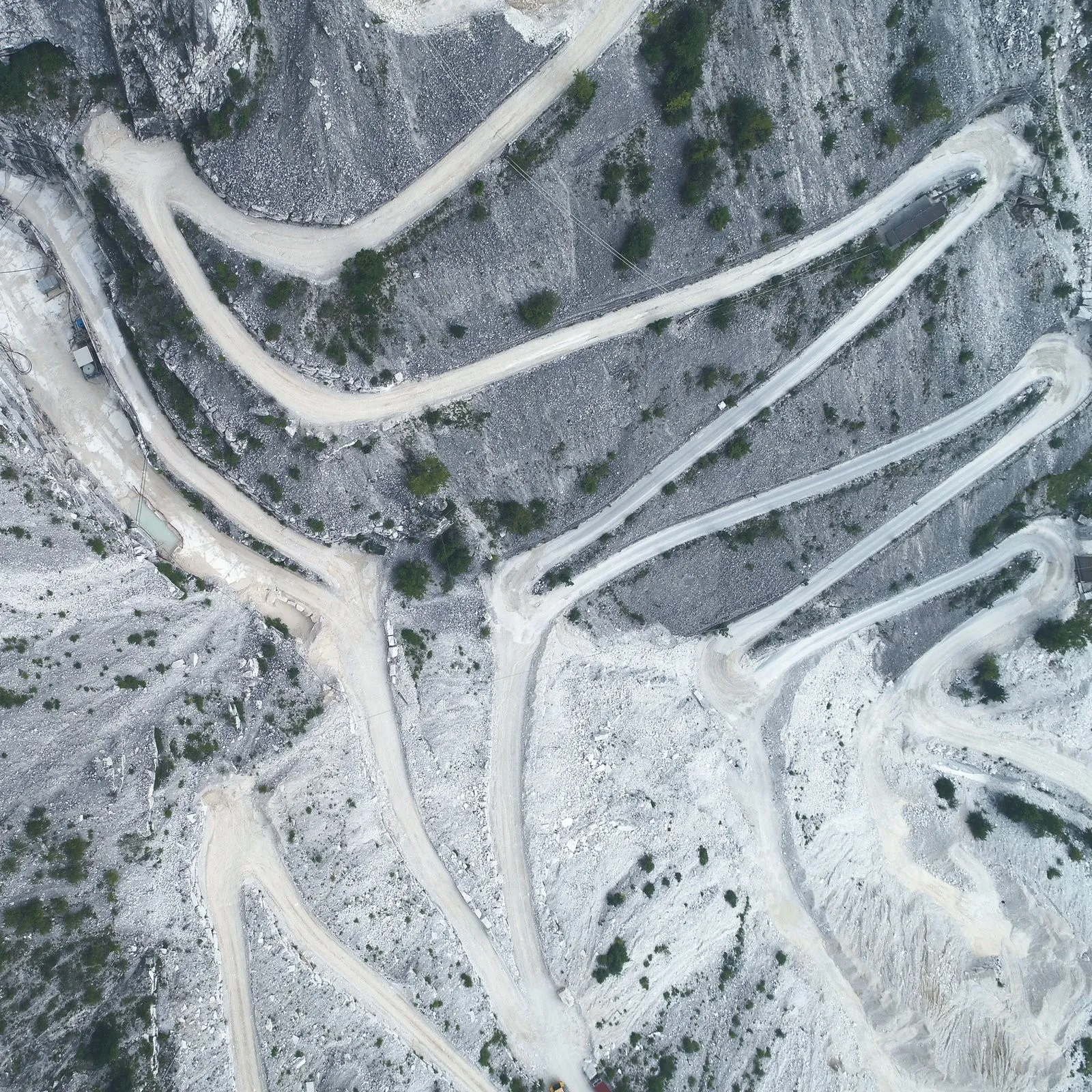
Photogrammetry, exposure and white marble
The white marble of a quarry can fool a camera's light meter. How to set exposure metering for a consistent photogrammetric dataset.
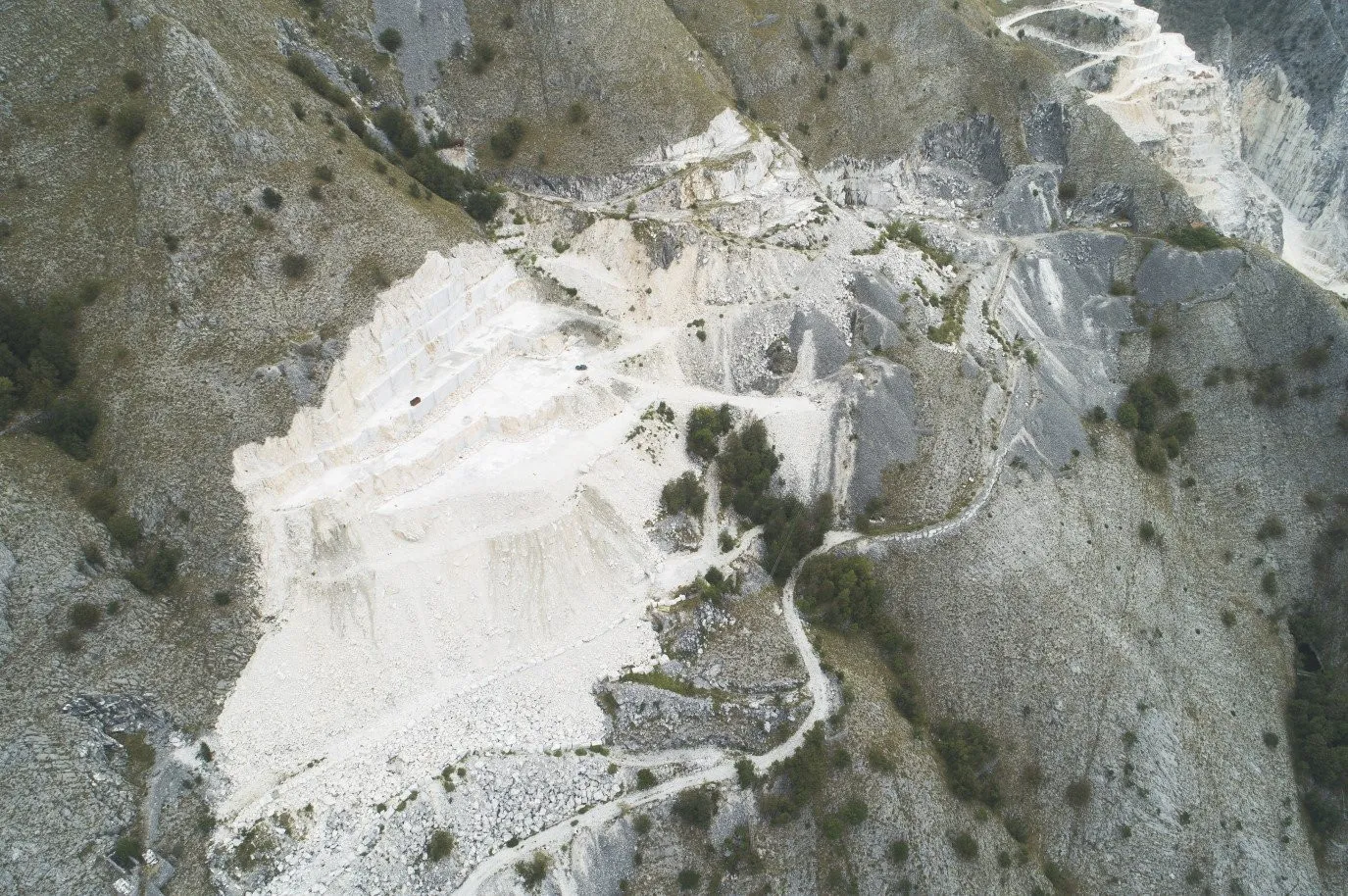
The white marble of a quarry can fool the light meter of a camera taking photos for a structure from motion reconstruction.
Most of the cameras used by most people who do this kind of work have a “reflected light” meter.
It means that the exposure of a photo is judged on the light that bounces off the subject and comes back to the sensor.
It is not a very precise measurement, and it is a bit erratic.
White marble reflects a lot of light, especially under a clear sky.
And this can fool the light meter, leading the camera to underexpose the whole image.
If that is not a big problem for the excavation area, it could be for the edges, which risk coming out much darker.
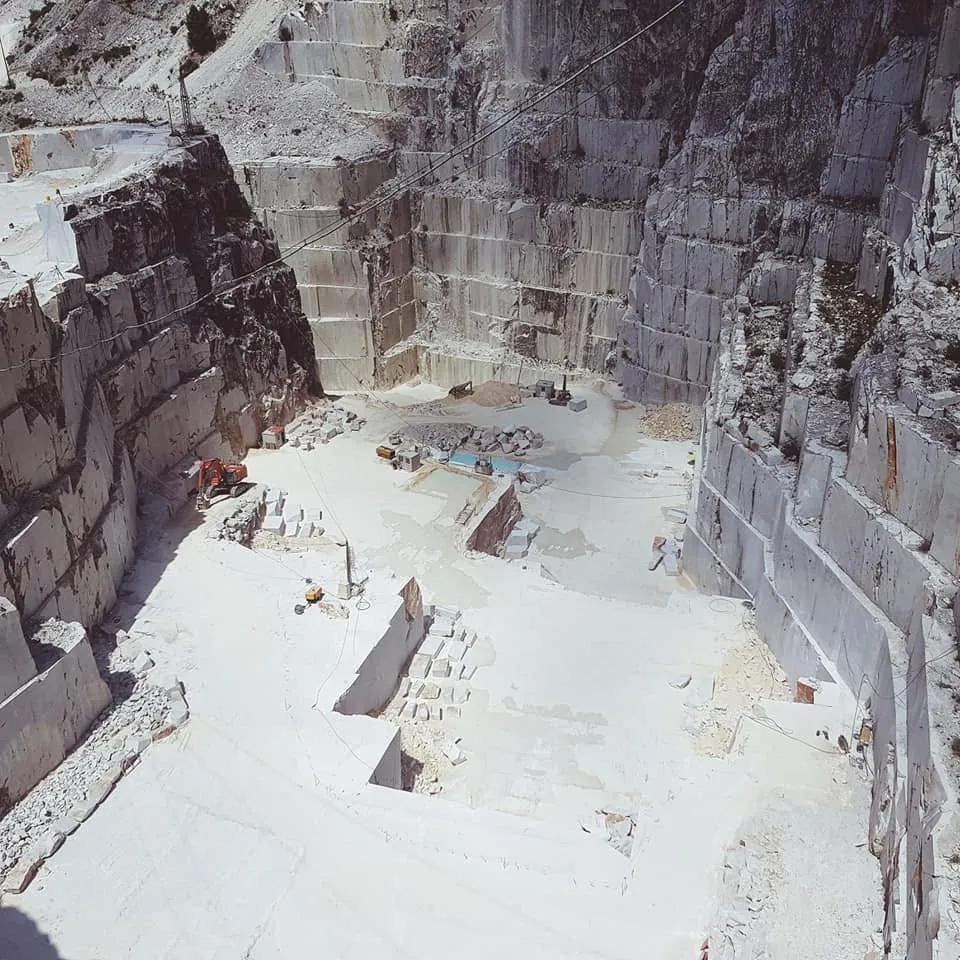
This applies not only to marble but in other settings too: a white beach, steel sheeting in an urban area (with lots of asphalt), …
I usually shoot in (semi) automatic mode (shutter priority).
It is better to set exposure metering so that the camera averages all the pixels in the image (“Matrix” or “centre-weighted”) rather than choosing “spot/centre point” mode.
This way you avoid large exposure differences between photos in the dataset, depending on whether the reading was taken on a point of a quarry bench or on part of a slope.
You can choose “Manual exposure” mode, but I recommend using it IF AND ONLY IF you have an (external) incident light meter that lets you judge on the ground the real intensity of the light falling on the scene.
Even then, watch out for any shadows in the scene (which you may not have accounted for when metering) and for how the light intensity changes during the photo capture.
Over a day it can vary quite a bit.
Shooting in RAW helps correct (limited) errors and differences.