
Laser scanners, coloured clouds and built-in cameras
To colour a laser scanning point cloud you need well-exposed photos. Fixed or automatic exposure on the Trimble SX10: what changes.
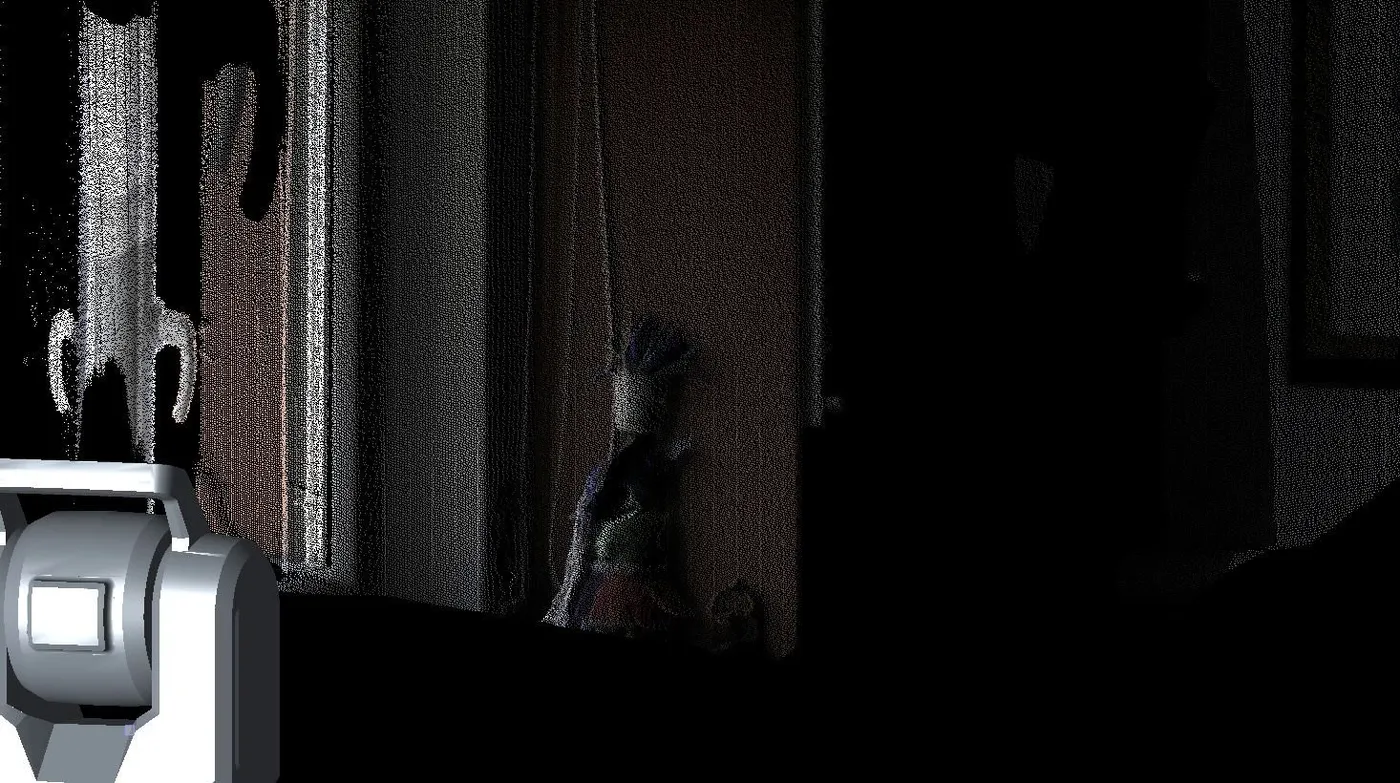
To colour a laser scanning point cloud you need photos.
And the exposure must be as “correct” as possible to reproduce the colour information in the cloud points as well as possible.
Many scanners now have built-in cameras, which make the operator’s job easier.
I don’t know exactly how each one works, but it is worth spending some time understanding how the light meter behaves, to avoid white points (from overexposed photos) or black ones (from underexposure).
With the Trimble SX10 (the only case I know), fixing a constant exposure is fine if the lighting of the scanned scene doesn’t change, but it gives poor results if you go from highlights to shadows and back.
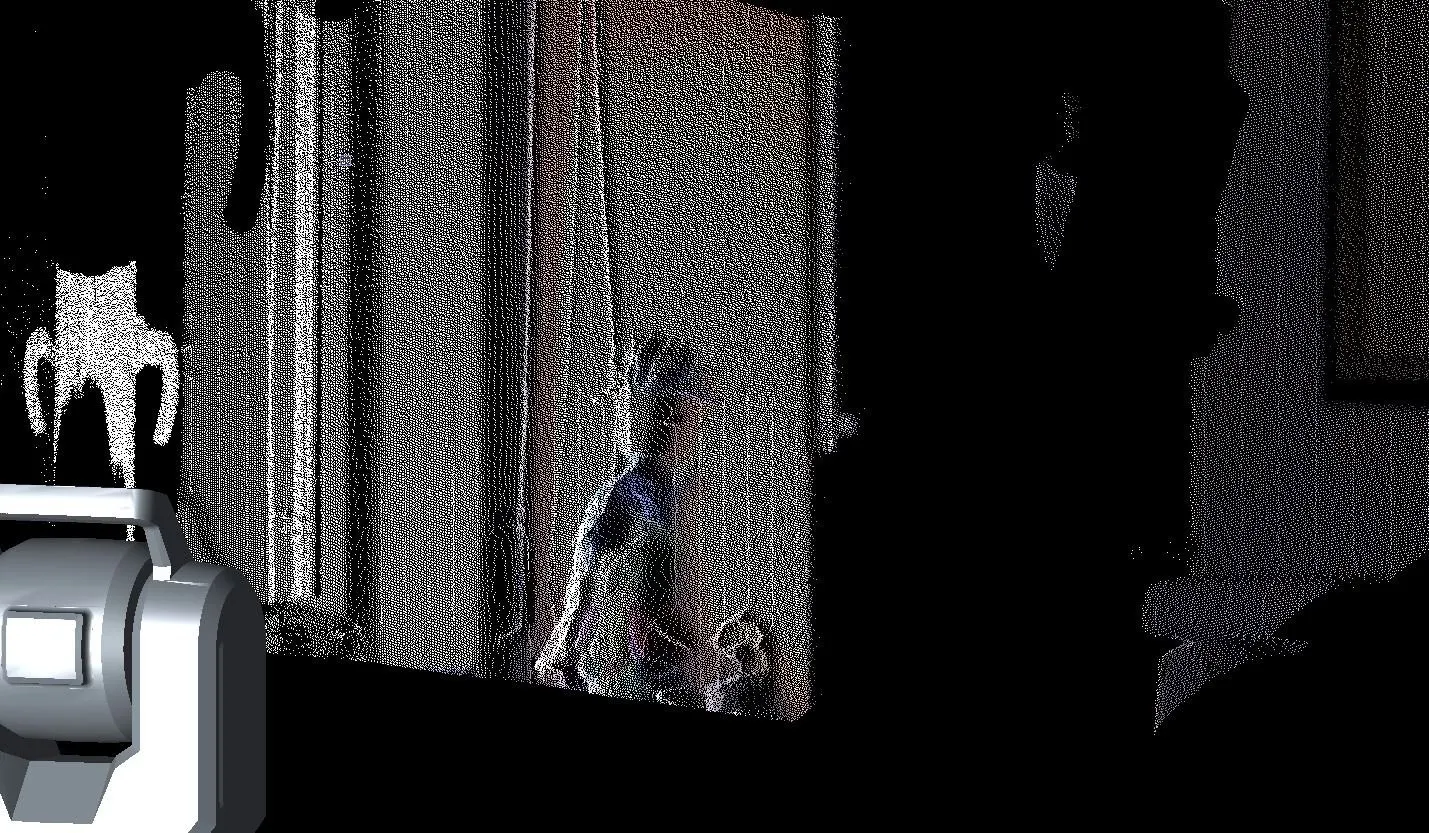
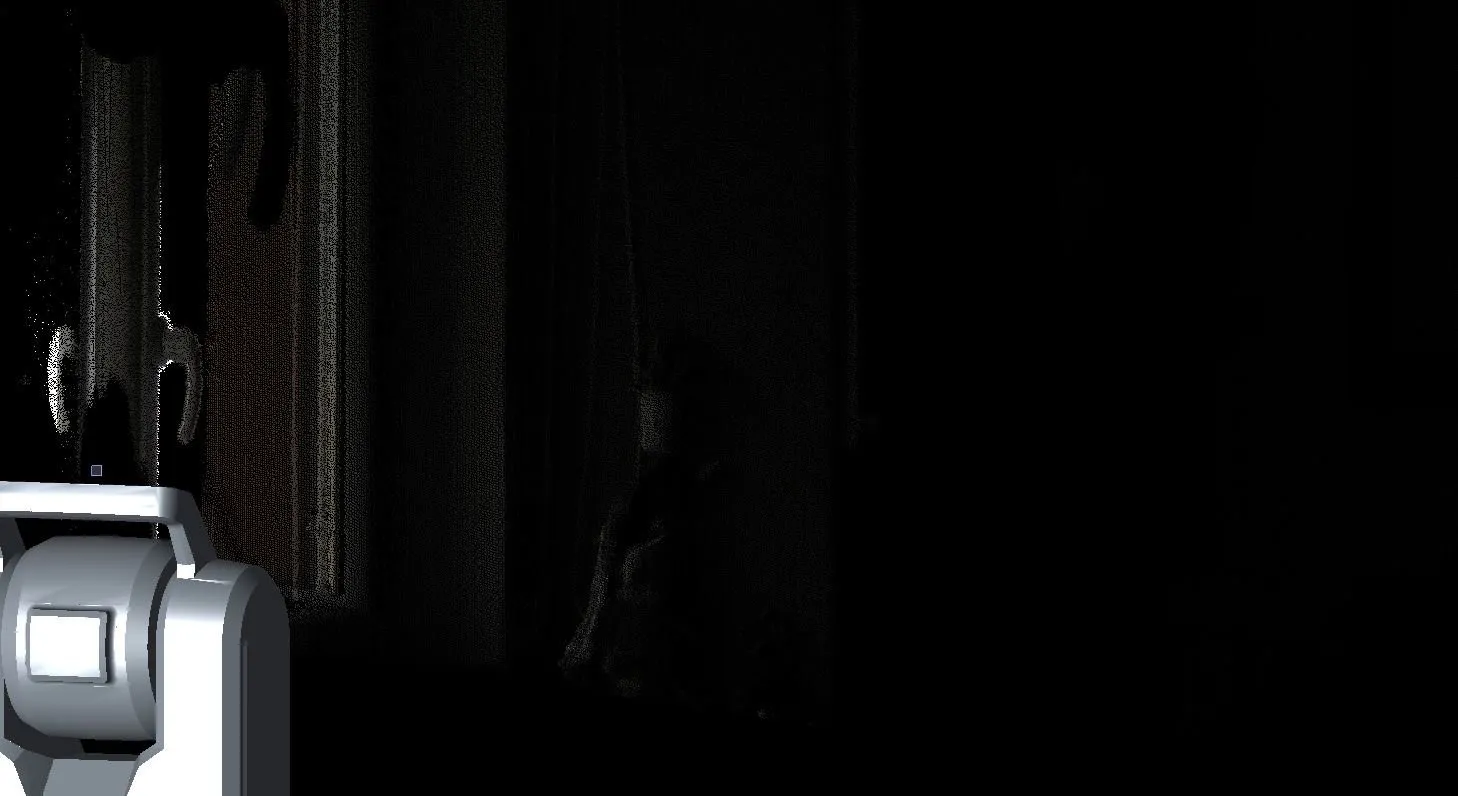
In these two images the cloud is coloured from photos with fixed exposure, metered at the two extremes of brightness in the scanned scene.
Choosing variable automatic exposure instead compensates for the changes in light, for a more even result.
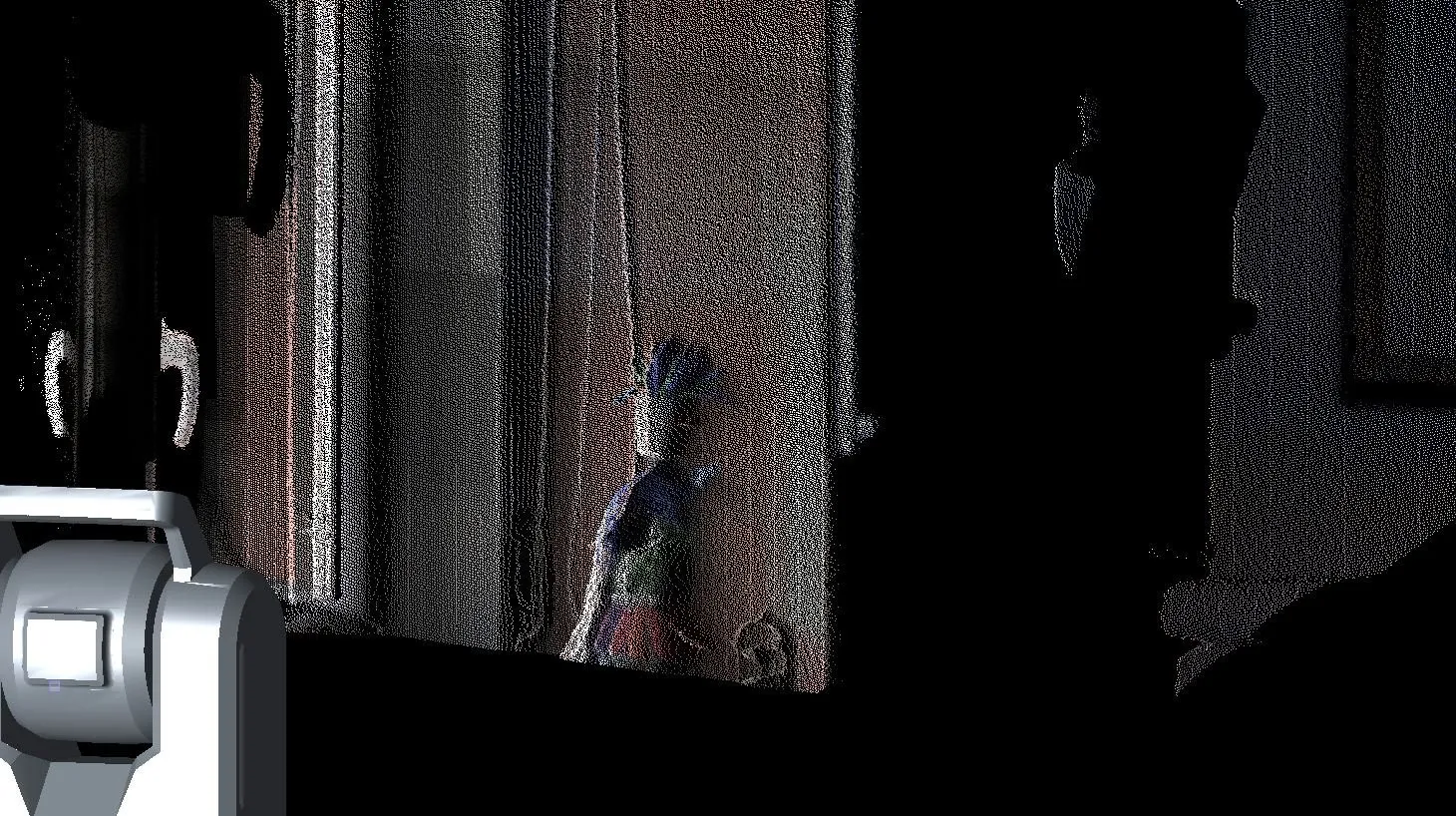
And if you can use several cameras (with different focal lengths), the one with the narrower field gives a more accurate exposure reading than the panoramic ones.
But you need more photos to cover the whole scene.